
Virtual Staging Inside the 3D Tour: How Vacant Listings Stop Looking Empty

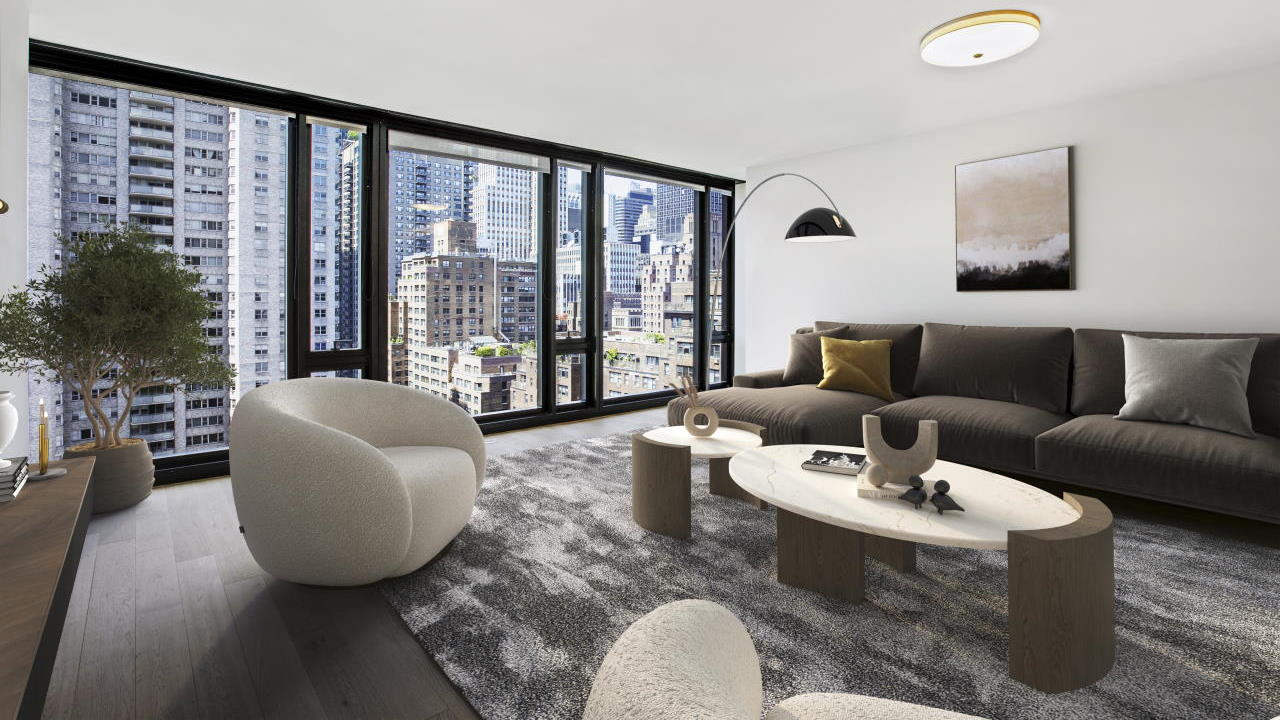
A vacant listing has a problem photos cannot fix. The rooms are clean, the light is fine, and the buyer still cannot tell how they would live there. The living room could be large or could be awkward. The second bedroom could fit a bed and a desk, or only one of them.
Virtual staging answers that in still photos. Staging inside the 3D tour answers it while the buyer is walking the home.
The difference that matters
A staged photo shows one furnished angle. The buyer sees it, then opens the tour and finds the same rooms empty. The story breaks.
Staging inside the tour keeps one story:
- The buyer opens the 3D tour and moves room to room in the furnished version.
- Scale becomes obvious — a sofa, a dining table, and a bed show what fits without the buyer guessing from dimensions alone.
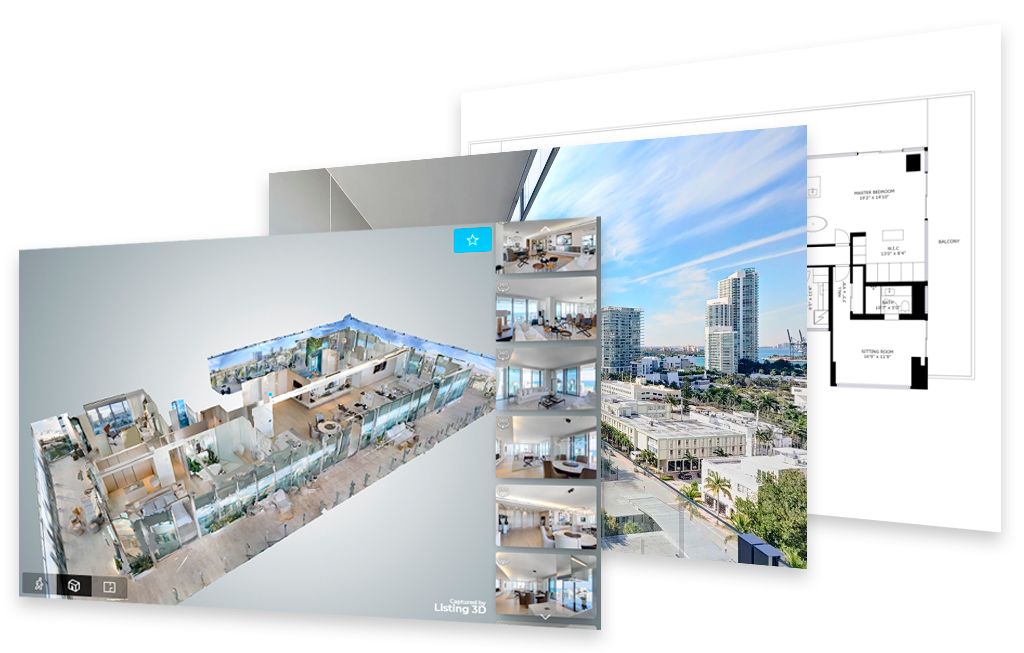
- The floor plan, the photos, and the tour agree with each other, so the listing reads as one considered presentation instead of three separate files.
Listing3D offers 3D virtual staging inside the tour. That is the format to ask for on a vacant listing: not staging as an add-on gallery, staging as the tour itself.
When a listing needs it
- The unit is vacant and will show vacant for the full marketing period
- The rooms are small, open-plan, or hard to read empty — lofts, studios, and combined living/dining spaces benefit most
- The seller will not fund physical staging, or the building makes furniture delivery impractical
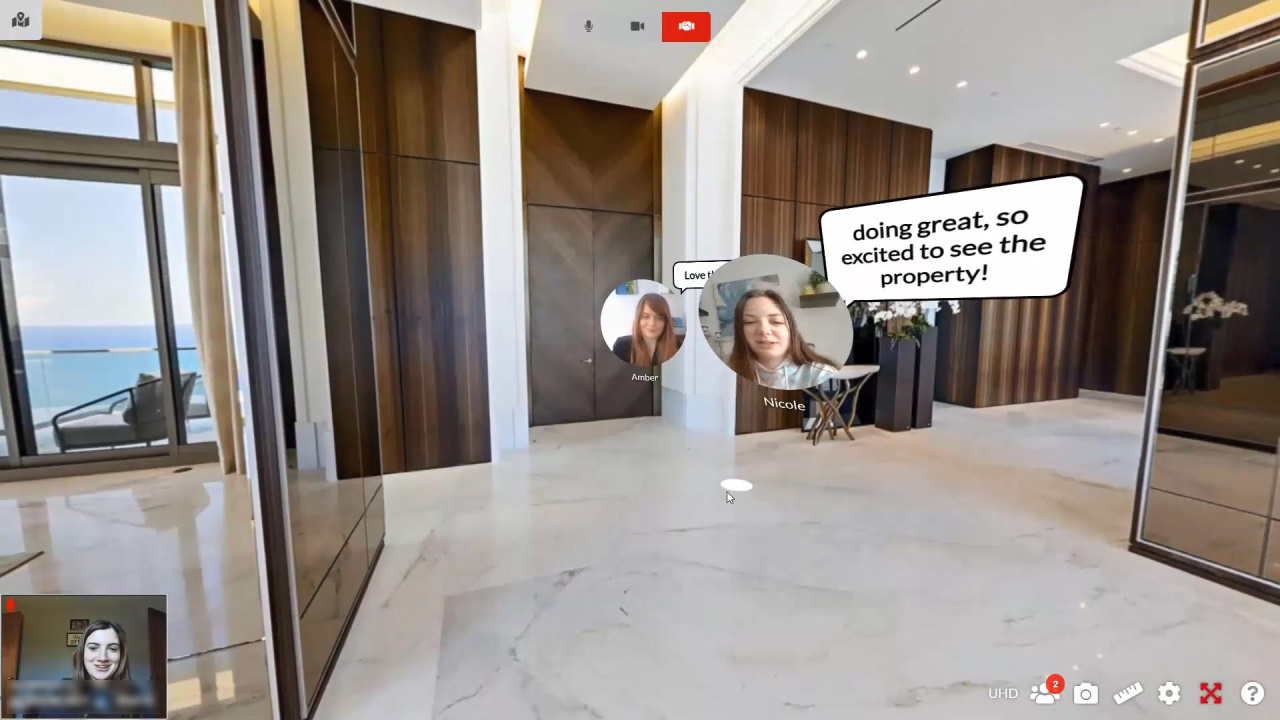
- The listing will be marketed remotely, where the tour is the showing for out-of-area buyers
It is not a substitute for cleaning, repairs, or honest photos of condition. Stage the furnished view, keep the disclosure clear, and follow portal rules on labeling staged images.
Keep the staging consistent across the whole package
Inconsistent staging confuses buyers faster than no staging. Hold one style across:
- DSLR photos — same furniture story in the hero rooms (living room, primary bedroom, kitchen angle)
- The 3D tour — the same furnished layout the buyer walks
- The floor plan — room use on the plan should match how the tour presents each room (a room staged as a bedroom should not be labeled as storage)
Pick a style that fits the building and the likely buyer, and keep it restrained. The furniture is there to show scale and use, not to sell furniture.
The brokerage standard is the point, again
Vacant units are where individual agents improvise most — one stages, one does not, one stages photos only. Buyers comparing two listings in the same brokerage should not have to decode two different standards.
Brokerages that set one vacant-listing standard get listings that present the same way across the firm, and agents who do not rebuild the decision on every deal.
That is what Listing3D+ is built for. It is a brokerage membership at $300 to $1,250 per month by agent count. Every agent in the brokerage then buys the full media menu — 3D tours with staging inside the tour, DSLR photos, drone, video, and floor plans — at member prices, 35% to 50% off. The membership sets the standard. The per-listing order stays simple. It also works as a retention tool: agents stay where the brokerage makes their listings look better with less work.
Every tour Listing3D delivers is built to show on Zillow and StreetEasy, where Listing3D is an approved vendor for 3D tours.
Before a vacant listing goes live, check
- The staged tour opens on desktop and mobile, and on the live Zillow and StreetEasy pages
- Staged images are labeled where the portal requires disclosure
- Photos, tour, and floor plan present the same furnished layout
- No staged item hides damage, blocks a window or door in a misleading way, or changes the room’s real dimensions
- The unstaged condition is not misrepresented — staging shows use and scale, not a renovation
The short version
Photos stage a moment. A staged tour stages the walk. For a vacant listing, the walk is what sells the layout — and the layout is what the buyer was unsure about in the first place.
For brokerages: See how the Listing3D+ membership standard works at listing3d.com/plus.
For a single listing: Order a media package with staging inside the tour at listing3d.com/order.
Related reading: What Is Virtual Staging?
Related reading: Virtual Staging Before and After.
Additional Services
Take Your Marketing Even Further

Additional Features at no cost
Part of any package
Press






Easy and Fast
Easily differentiate yourself from your competitors with our 3D Marketing Package. What used to be very expensive, is now affordable.
-
Pingback: 360 Virtual Tours for Real Estate Listings: How They Work, What They Cost, and How Agents Use Them in 2026